For coaches
Your clients' food and training, in your name.
Set a client's macros and the app builds their day of meals to those numbers. Programme their training, run their check-ins and review their lifts from the same desk, under your name, logo and colours.
A$99.95 once for one year, or A$45/month. No client seat cap.
Your day
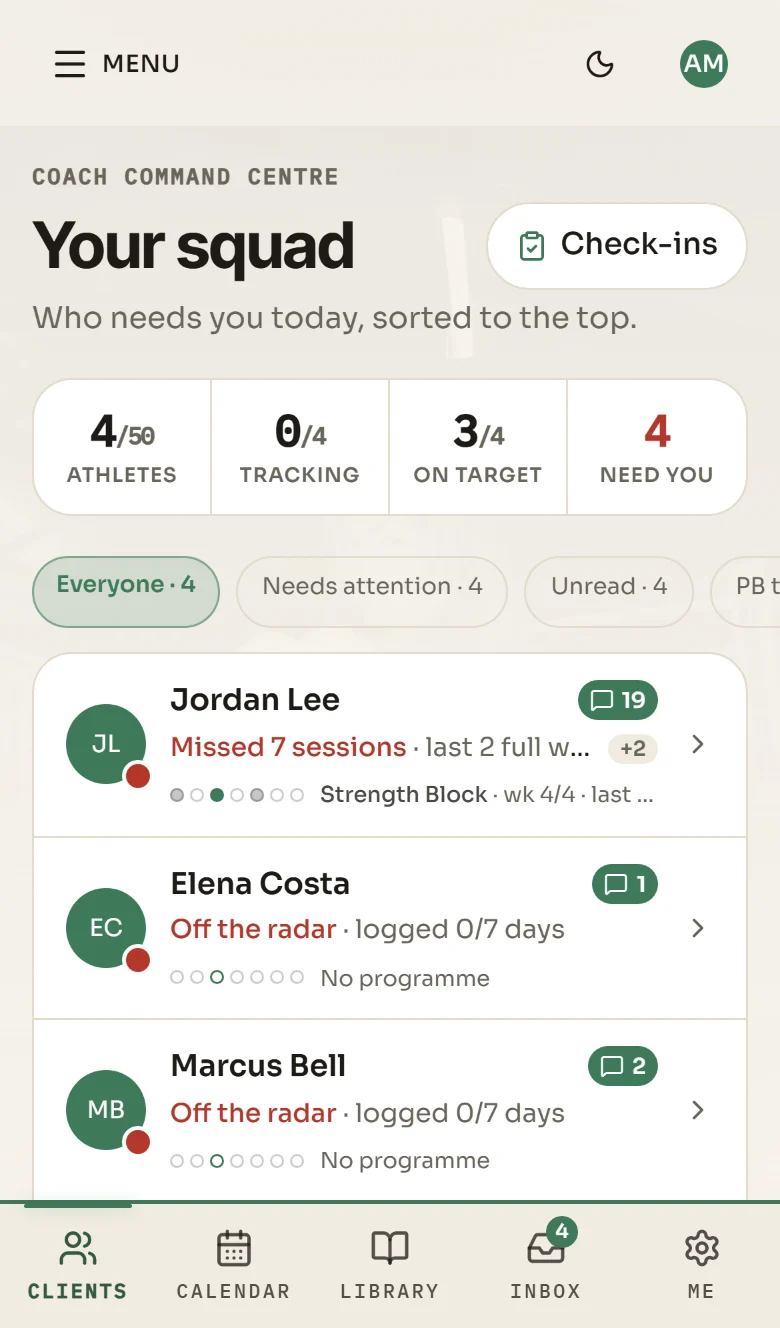
See who needs you today.
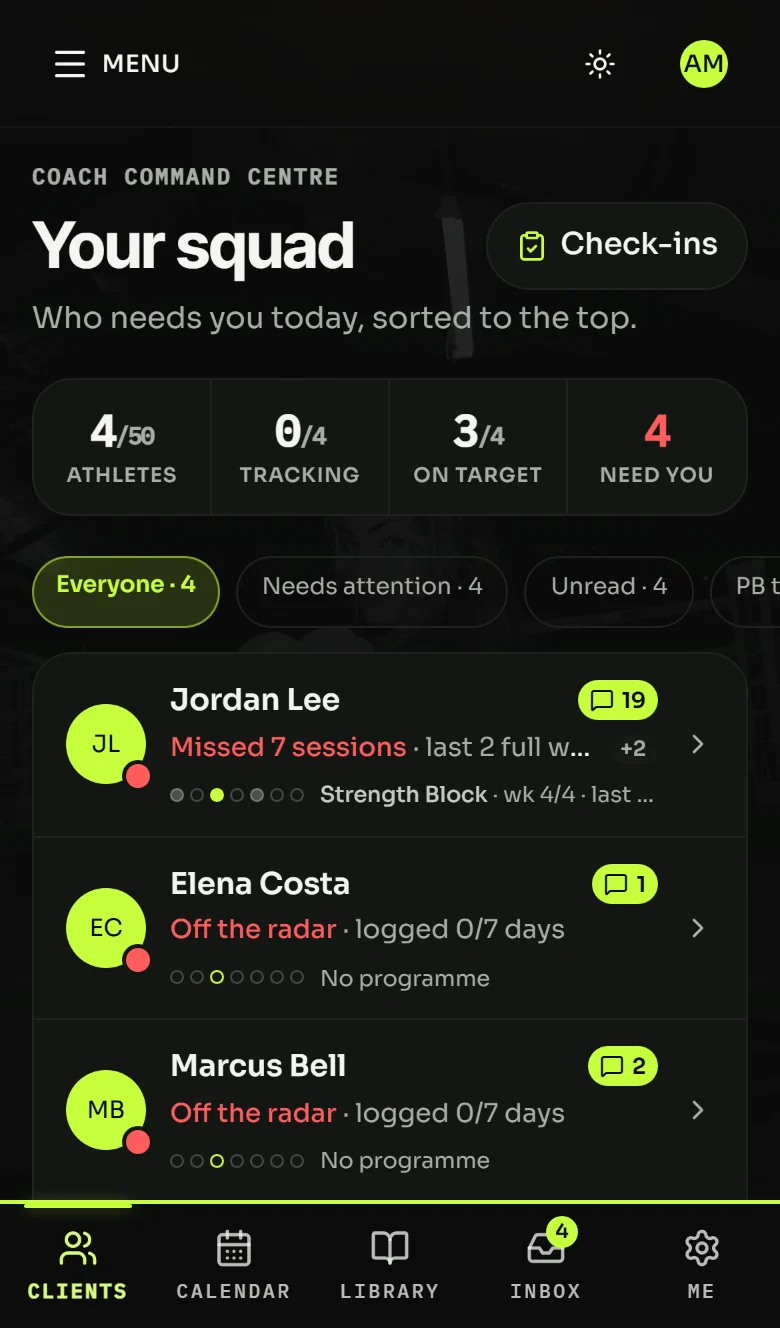
Open the app and the roster is already sorted, with the people who need a word at the top.
A roster sorted by who needs you
Tracking, unread messages, check-ins due, missed sessions and new bests decide the order.
Check-ins on the day you pick
Set each client's check-in day and cadence: weekly, fortnightly or every four weeks. They check in on seven parts: photo, weight, wellness, nutrition, training, videos and notes. The app prompts them the day before, on the evening of their check-in day and two days late. You work one day's list top to bottom and reply per section.
A phone that buzzes for people
Your phone buzzes for messages and workout comments. Everything the app generates lands in Activity, silently.
One overview on Monday
One plain-English squad overview on Monday morning: tracking, training, readiness, fuelling and who needs a word.
Nutrition
Set the macros. The app builds the plan.
You set the numbers. The app turns them into your client's day of meals, and every change to those numbers goes through you.
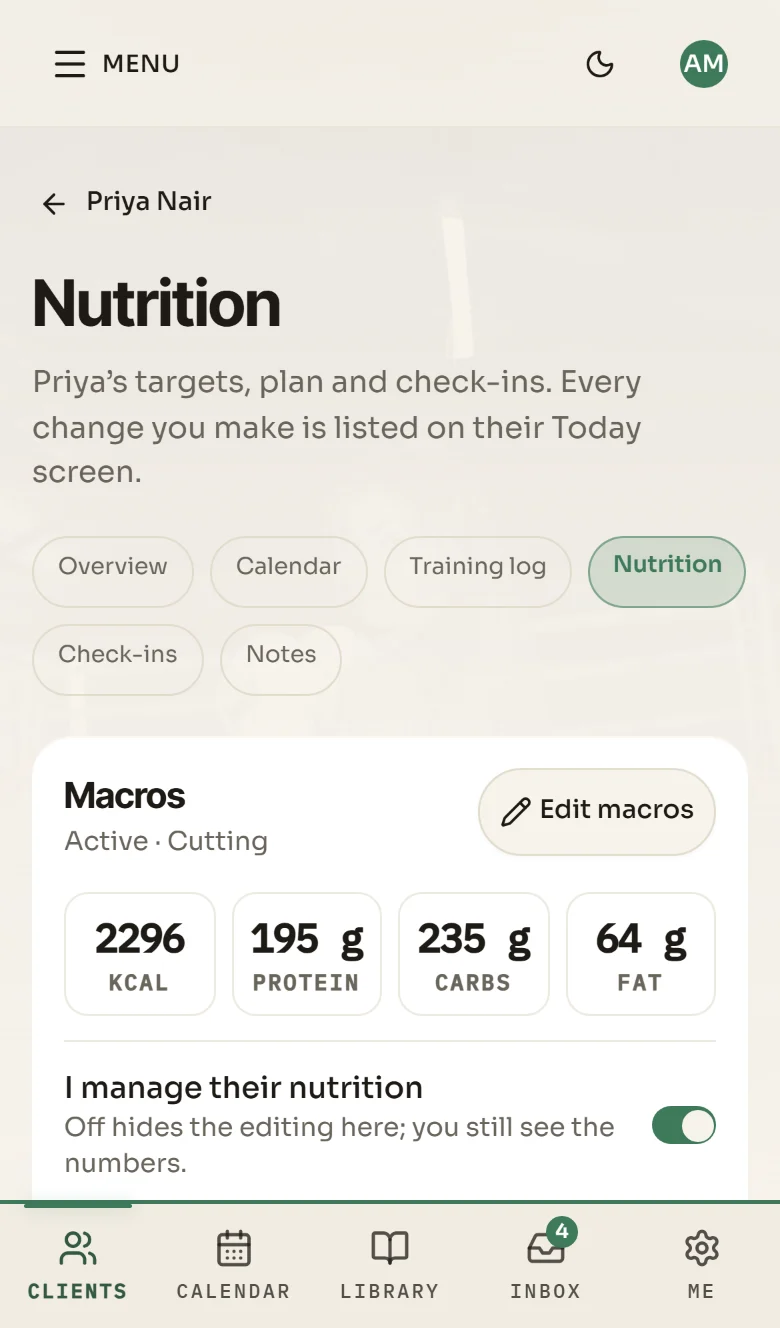
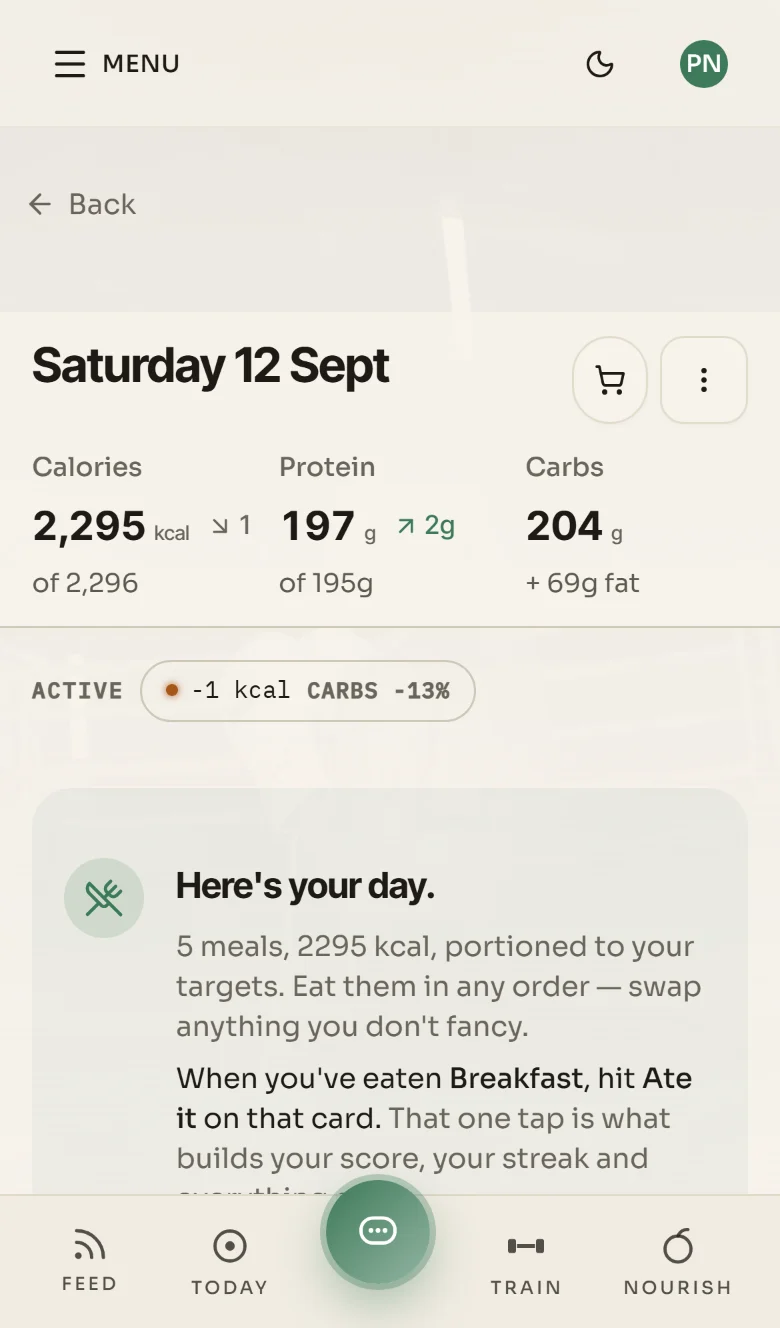
- Per client: their targets, the change waiting for tomorrow, the plan, what was eaten, weight trend, budget and diet settings.
- A per-client switch decides whether you may edit their macros.
- If you set a client's numbers, they are locked and suggested changes wait for your approval.
- The app suggests a weekly calorie and macro change from weigh-ins and adherence. You approve it.
Training
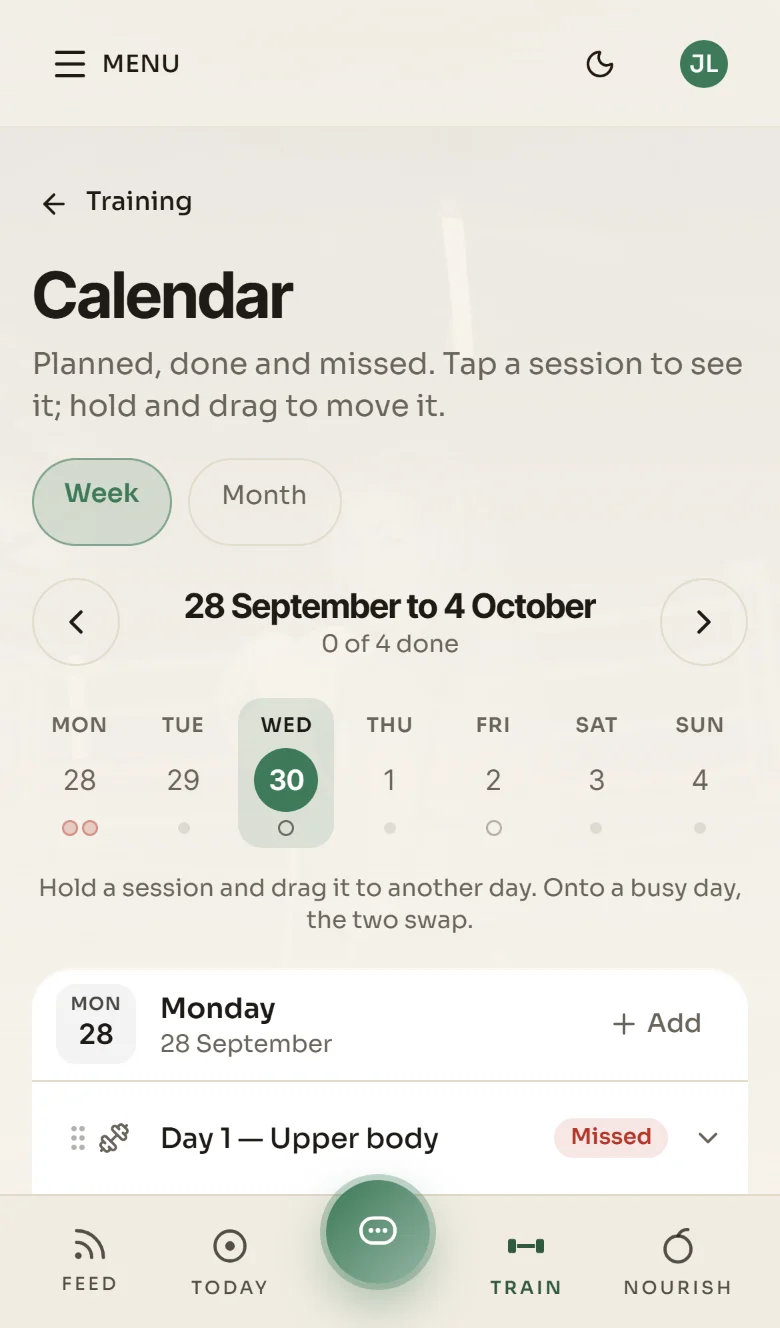
Your programmes, on a calendar.
Every programme is a calendar, weeks down and days across. Assign it and the client's copy is frozen, so your later edits do not move it.
- Paste your spreadsheet: sets, reps, %, RPE, RIR, tempo, rest, time, distance. EMOM and AMRAP read as written.
- Movement names match by alias and typo. Your own exercise wins a clash.
- 920+ exercises with step-by-step instructions sit alongside your own.
- Progression rules per block and per movement, including a deload every set number of weeks, at the percentage you choose.
- Sessions log sets, reps, RPE and load, or run for-time, AMRAP, EMOM and interval work from a full-width clock.
- Export any programme, or a client's date range, as .xlsx, .csv or .txt.
Bring your sheet and we will show you.
Form reviews
Lifts, marked up on the video.
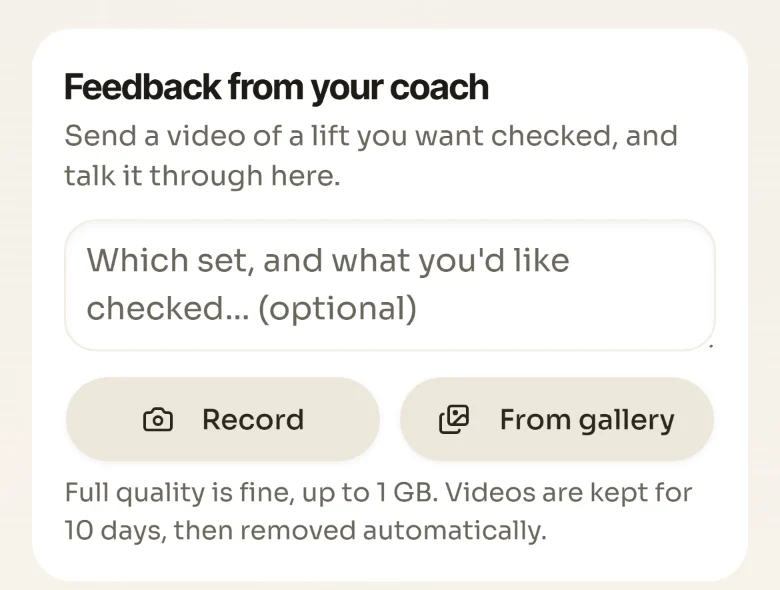
Your client sends a lift from their session. It lands in your queue, oldest first.
- Pin notes to the second.
- Draw on the frame.
- Record a voice note.
- Track the bar path.
Then send it back. Clips expire after ten days.
Message any client, and comment on any session they log.
In your name
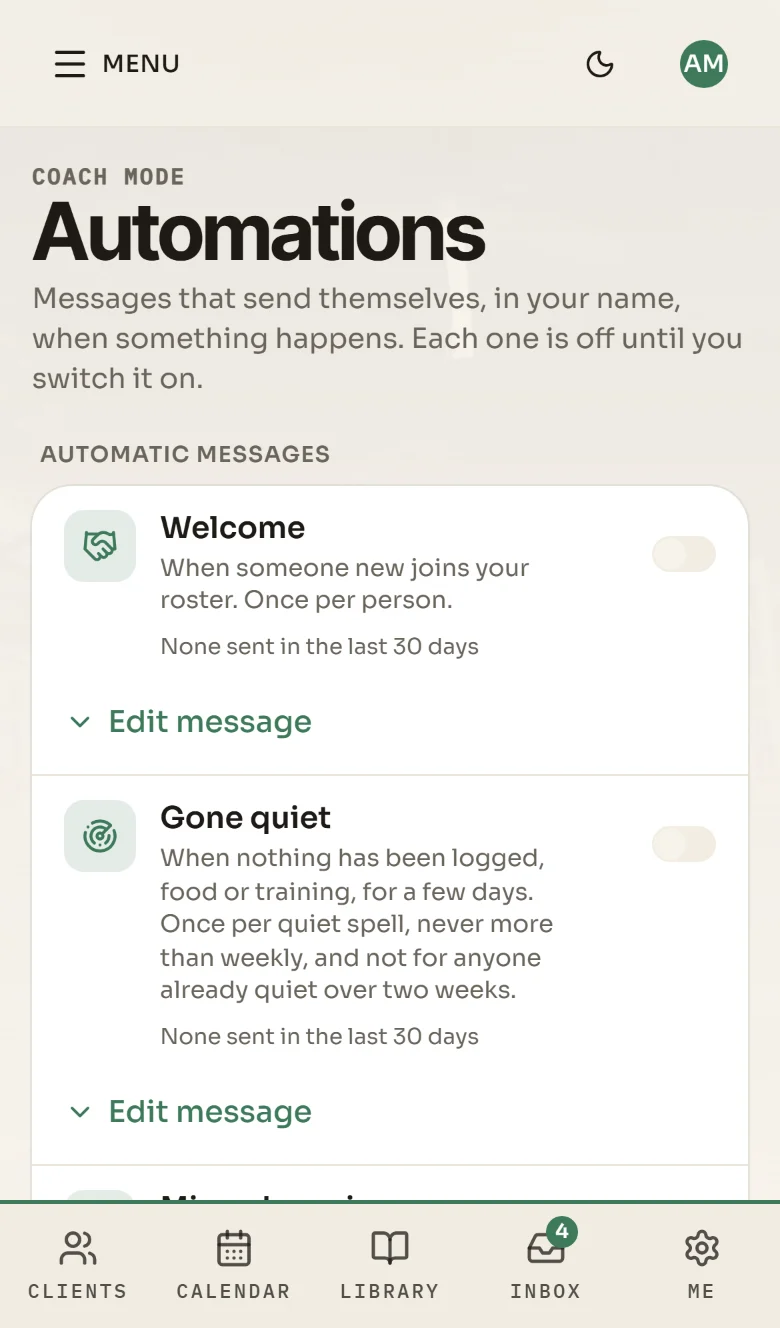
Messages that go out only when you switch them on.
Welcome, Gone quiet, Missed sessions, New personal best and Check-in reminder go out in your name. Each is off until you switch it on. Nobody gets more than one a day or three a week.
- Team challenges with leaderboards, and your own rewards for your roster.
- Open the app as any client on your roster, and see what they see.
White-label
Your name on the app, in light and dark.
Your name, logo, colours and photos across the whole app, in light and dark. Your install link puts your icon and your name on the client's home screen.
- The App Store listing stays in our name. A listing in yours needs your own build and your own developer account.
Shown here in the app's own colours, in dark mode.
Getting clients in
How clients join.
Send your code or link
You get a readable invite code and a link. Email invites work too, and they expire.
Your client signs up
Redeeming the code rosters them to you. They use the app in the browser, or add it to their home screen from your install link, with your icon and your name.
Set them up
Pick their check-in day, set their macros and assign a programme. They show up on your roster straight away.
Already in the app.
The libraries your clients search and train from, before you add a thing.
- exercises with step-by-step instructions
- 920+exercises with step-by-step instructions
- foods to search
- 2,200+foods to search
- Australian takeaway and fast-food items
- 300+Australian takeaway and fast-food items
Nutrition figures are based on the chains' published information where available; some are our own estimates. Menus change, so treat them as planning estimates, not official chain figures.
Counted on 30 September 2026.
Trust
Your clients' data, and your responsibility.
Your clients' data is stored in Sydney (AWS ap-southeast-2), and you see only your own roster.
The coaching relationship is yours: advice you give clients, and the appropriateness of targets you set for them, are your professional responsibility.
Coaches. The first stories land here.
We'd rather leave this space empty than fill it with something nobody said. When the coaches using the app now tell us how it went, in their own words, and say we may print them, their words go here.
Cost
What it costs to start.
Tell us how you coach and we'll show you how the app would fit.
- No set-up fee
- No seat fee
- No minimum to start
Questions coaches ask
What does it cost me to start?
Whose brand do my clients see?
Will the app be on the App Store under my name?
Can I bring my programmes across?
Will the app message my clients for me?
Who sees my clients' data?
Who is responsible for the coaching?
Enquire
Talk to us about coaching.
Tell us a little about how you coach, and bring your sheet if you have one. A$99.95 once for one year, or A$45/month. No client seat cap.
View access and manage billing
Rather email?support@pocketnutritioncoach.app